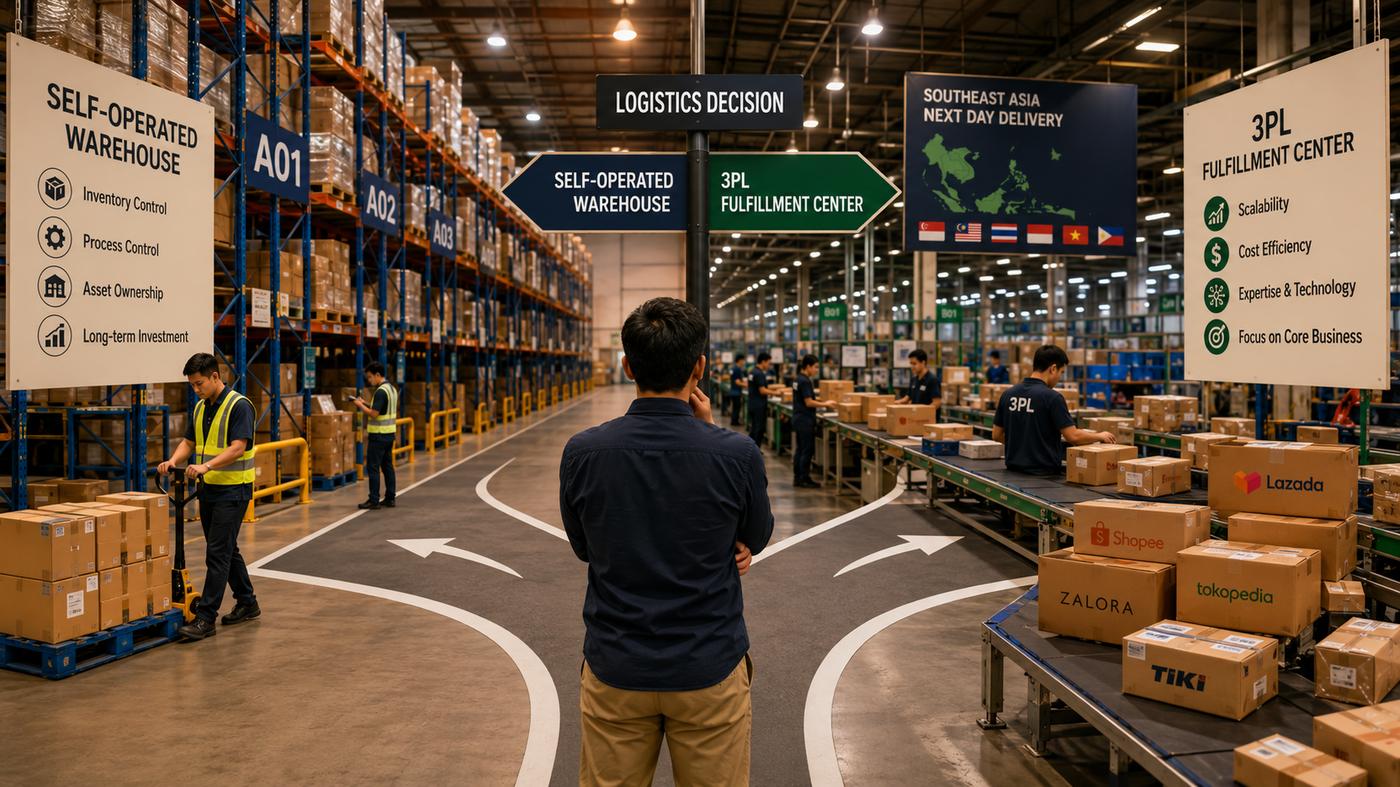
A single-brand warehouse has one set of SKUs, one set of rules, one set of customers. A 3PL has all of that — multiplied by however many clients it serves. Each client brings their own products, their own channel integrations, their own SLA expectations, their own billing agreement, and their own reporting requirements. The warehouse floor might look the same; the operational complexity behind it is an order of magnitude higher.
Most 3PLs start small — one or two clients managed with spreadsheets and a lot of manual communication. That works until it doesn't. The transition point is usually around 3–5 clients and 300+ daily orders, when the manual approach starts generating errors faster than the team can fix them.
The four pillars of multi-client operations
Every SKU and location is always attributed to one client
Each client has their own pricing rules — storage, handling, and add-on fees
Different clients have different fulfillment deadlines — the system enforces each
Each client sees only their own inventory, orders, and performance data
1. Inventory isolation — the foundation everything else rests on
In a single-brand warehouse, every item belongs to one owner by default. In a 3PL, every item must be explicitly attributed to one client — at every level: the SKU definition, the physical location, the inbound receipt, the outbound shipment, and the adjustment record. If client attribution is missing from any transaction, the audit trail breaks and the billing becomes guesswork.
Client A and Client B both sell similar products — cosmetics, say. A warehouse worker puts away Client B's stock in a bin that's informally "Client A's area." The WMS has no strict client-location binding, so it accepts the scan. Three weeks later, Client A's picker pulls Client B's product. The error isn't caught until the client complains about a wrong shipment — and by then, correcting inventory across both clients is a half-day manual exercise.
Proper isolation requires the WMS to enforce client attribution at every scan — not just record it. Put-away to a location bound to a different client should be rejected, not warned. Picking for Client A's order should only ever surface Client A's stock. This isn't a reporting feature; it's an execution constraint built into the warehouse workflow.
2. Per-client billing — where most 3PLs lose money
3PL billing is complex because it's multi-dimensional. A typical invoice might include: storage fees (per pallet, per bin, or per sqm), inbound handling (per order, per carton, or per SKU line), outbound handling (per order, per item, or tiered by volume), value-added services (labelling, kitting, repackaging — each at a different rate), and platform-specific surcharges. Every client's contract is different. Calculating this manually at month-end, from warehouse records that weren't designed with billing in mind, is where 3PLs routinely undercharge — or overcharge, triggering client disputes.
| Fee type | Common billing basis | Manual tracking risk |
|---|---|---|
| Storage | Per pallet/bin/day or per sqm/month | Peak vs. average stock level disputes |
| Inbound handling | Per order / per carton / per SKU line | Miscounts if logged after the fact |
| Outbound handling | Per order / per item / volume tiers | Tier boundaries missed, returns not captured |
| Value-added services | Per unit / per task (kitting, labelling) | Ad-hoc tasks never get invoiced |
| Returns handling | Per return / per item inspected | Inspection detail lost without a system record |
A WMS that supports 3PL billing captures every chargeable event as it happens — the inbound receipt, the outbound shipment, the value-added task, the return inspection. At month-end, the billing report is generated from actual system records, not from memory or manual logs. This is the difference between a 3PL that grows profitably and one that works harder as it adds clients but doesn't see the revenue to match.
3. SLA management — different rules for every client
Client A is on Shopee, where orders placed before 2pm must ship same day. Client B sells on their own website with a 48-hour SLA. Client C is a B2B distributor who ships in weekly batches. All three are in the same warehouse, and all three have orders arriving throughout the day. Without a system that understands which order belongs to which SLA commitment, the warehouse has no way to prioritise correctly — and the team defaults to processing in arrival order, which is wrong for everyone.
A WMS with proper SLA logic assigns a cut-off time and a priority tier to each client's orders at the point of entry. The wave planning engine uses this to determine picking order — Client A's 2pm-deadline orders are picked first, Client C's weekly batch gets scheduled after peak hours. SLA performance is tracked per client and surfaced in the daily operations dashboard, so supervisors can see which clients are at risk before the deadline passes, not after.
4. Separated reporting — each client sees only their own data
Clients expect visibility into their own operations: current stock levels by SKU, order status, fulfillment rate, ageing inventory, and monthly billing summary. They do not want to wait for a weekly email with an attached spreadsheet. And they absolutely do not want to see another client's data mixed in.
The right WMS gives each client a login with access to their own real-time portal: inventory counts, inbound and outbound history, order tracking, and billing records. The 3PL doesn't need to prepare reports manually — the system generates them. This also reduces the volume of status inquiry calls and emails the 3PL team receives, freeing up time that used to go to answering "where's my stock?" questions.
Without vs With a 3PL-Ready WMS
- Separate spreadsheets per client, reconciled manually
- Location assignment by verbal agreement or marker pen on shelves
- Billing calculated at month-end from incomplete logs
- All orders processed in arrival order regardless of SLA
- Clients receive weekly email reports — and call for the rest
- Adding a 6th client means adding another set of manual processes
- Client dimension built into every transaction — no manual reconciliation
- Locations bound to clients in the system — wrong-client put-away is rejected
- Billing report generated automatically from system events
- Wave planning prioritises by client SLA — right orders ship first
- Clients log in to their own portal for real-time data
- Adding a new client is configuration — not a new set of spreadsheets
A 3PL that adds a client without adding headcount is one that has the right system. A 3PL that adds a client and immediately needs two more staff members is one that's managing operations manually.
What to look for in a WMS if you run a 3PL
Not every WMS is built with 3PL operations in mind. Most WMS products are designed for single-brand warehouses and bolt on "multi-client" as an afterthought — a tag on a record rather than a dimension that runs through every transaction. Before evaluating any system, verify that it handles the following natively:
- Client as a first-class dimension — every SKU, location, inbound order, outbound order, and adjustment record has a mandatory client field, not an optional one
- Configurable billing rules per client — storage, handling, and VAS fees should be configurable per-client without code changes
- Per-client SLA and wave logic — fulfillment priority should be driven by the client's SLA, not the order arrival time
- Client portal with data isolation — clients should log in and see only their own data, with no possibility of accidental cross-client data exposure
- Billing report export — a structured billing report per client per period, ready to send without further manipulation